Start with your daily “use cases”
Most people buy tech by chasing a headline feature: “the fastest processor”, “the biggest screen”, “the loudest bass”. But the best purchases happen when you flip the approach: decide what you do most often, how long you do it, and what annoys you about your current setup. That gives you a real-world checklist that specs can’t replace.
1) Pick a “primary” device first
If your laptop (or desktop) feels slow, everything else feels slow. Start here:
- Laptops & PCs: choose based on workload (office, creative, gaming) and how much you move around.
- Processors & Video Cards: matter most for gaming, editing, 3D, and heavy multitasking.
- Cooling Systems & Computer Cases: keep performance stable and noise low (often overlooked).
2) Upgrade the screen you stare at all day
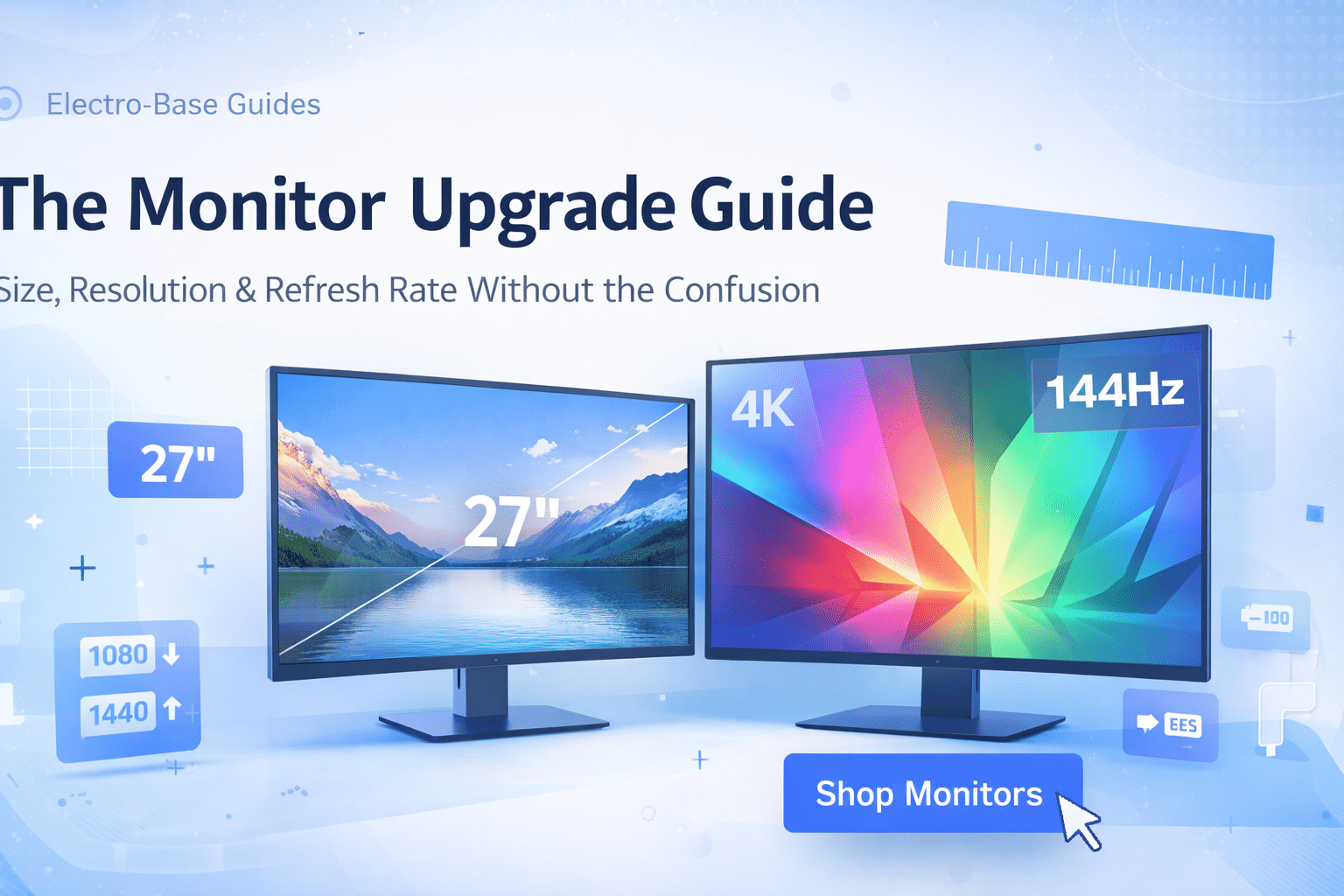
Monitors are the “silent productivity upgrade”. The jump from a cramped screen to a comfortable size/resolution can feel bigger than a CPU upgrade — especially if you work with documents, dashboards or multiple tabs.
- Work & study: prioritize sharp text, comfortable brightness, and height adjustment.
- Gaming: refresh rate and response time matter, but so do ergonomics and glare control.
- Creative: color accuracy and panel quality become the top priorities.
Explore monitors here: Monitors.
3) Audio: the quality-of-life upgrade people regret skipping
Good audio isn’t just for music. Clear voice calls, less fatigue, and immersive movies make a difference daily. If you’re choosing between “okay earbuds” and a better set of headphones or speakers, audio is usually the smarter long-term win.
- Headphones: great for commuting, focus time, calls, and late-night sessions.
- Audio equipment: ideal for shared spaces, home desks, and parties.
Browse: Headphones and Audio Equipment.
4) Phones, gadgets & the “ecosystem” question
A phone is an ecosystem purchase: accessories, charging, compatibility, and the apps you rely on. Before upgrading, ask: “Do I want to simplify my setup or add more devices?”
- If you use laptops/tablets/earbuds together, aim for a smooth pairing experience.
- Consider storage needs and battery health as “daily comfort”, not just numbers.
- Check regional compatibility (plug/voltage) for chargers and accessories.
Browse: Smartphones and Phones & Gadgets.
5) TVs & entertainment: buy for the room, not the showroom
Most TVs look amazing in bright retail lighting. At home, what matters is viewing distance, room light, and how you actually watch: sports, movies, gaming, or background entertainment while cooking.
- Bright rooms: focus on glare handling and brightness.
- Movie nights: consistent contrast and accurate color make scenes feel “real”.
- Gaming: prioritize smooth motion and input responsiveness.
Explore: Televisions and TV & Electronics.
6) Appliances that feel like a small daily luxury
Appliances aren’t “boring tech” — they’re daily routines. A reliable coffee machine can literally improve mornings, and a well-chosen appliance can reduce friction in your day.
If you’re looking for a practical upgrade, start with: Coffee Machines or browse all Appliances.
7) Home & renovation tech: the “quiet” heroes
Some categories don’t get hype, but they can solve real problems: gate automation, compressors, tools for home projects. These purchases should be driven by safety, reliability, and correct usage — not just a low price.
- Compressors: check capacity and intended use, then match the right accessories.
- Gate automation: prioritize compatibility and installation requirements.
- Always follow local safety rules and manufacturer instructions.
Browse: Compressors · Gate Automation · Home & Renovation.
8) Buying with confidence: delivery, returns, warranty
Tech should be exciting — not stressful. Before you buy, take 60 seconds to skim the key policies so you know what to expect if you need support later. Here are the pages shoppers use most:
- Shipping Policy — costs, timeframes, and delivery guidance.
- Return & Refund Policy — return windows, conditions, and process.
- Warranty Policy — coverage, exclusions, and how to claim.
- Payment Policy — payment methods and security basics.
Mini FAQ (fast answers)
How do I track my order?
Once your order ships, you’ll receive an email with tracking details. If you have any issues, visit our Contact Us page and send your order number.
What if I change my mind after ordering?
You can request a return according to our Return & Refund Policy. We recommend contacting us as soon as possible if you need to change or cancel an order.
How do you handle privacy & cookies?
We explain what data we collect and why in our Privacy Policy and Cookie Policy.
Wrap-up: build a setup you’ll love using
Great tech is the kind you stop thinking about — because it just works. If you choose based on your real routines and comfort (screen, sound, reliability, fit), you’ll end up with a setup that feels effortless.